
This guide helps your team get more value from TurboHelp's Conversations tools. Use it to understand the feature, configure it correctly, and know what to check before relying on it in your daily support workflow.
At a Glance
Use this feature to keep customer conversations organized and easy to act on.
Pair it with clear statuses, tags, and ownership rules so agents always know the next step.
Review the setup regularly as your support volume and team structure change.
TurboHelp offers two distinct views for conversation messages panel: the Feed View and the List View.
Both views provide the exact same information and functionality. The only difference is the presentation, allowing you to choose the style that you find most comfortable and easy to read.
Feed View: A Modern, Chat-Like Layout
The Feed View presents your conversations in a dynamic, chat-like format. It's designed to feel familiar and conversational, similar to modern messaging applications.
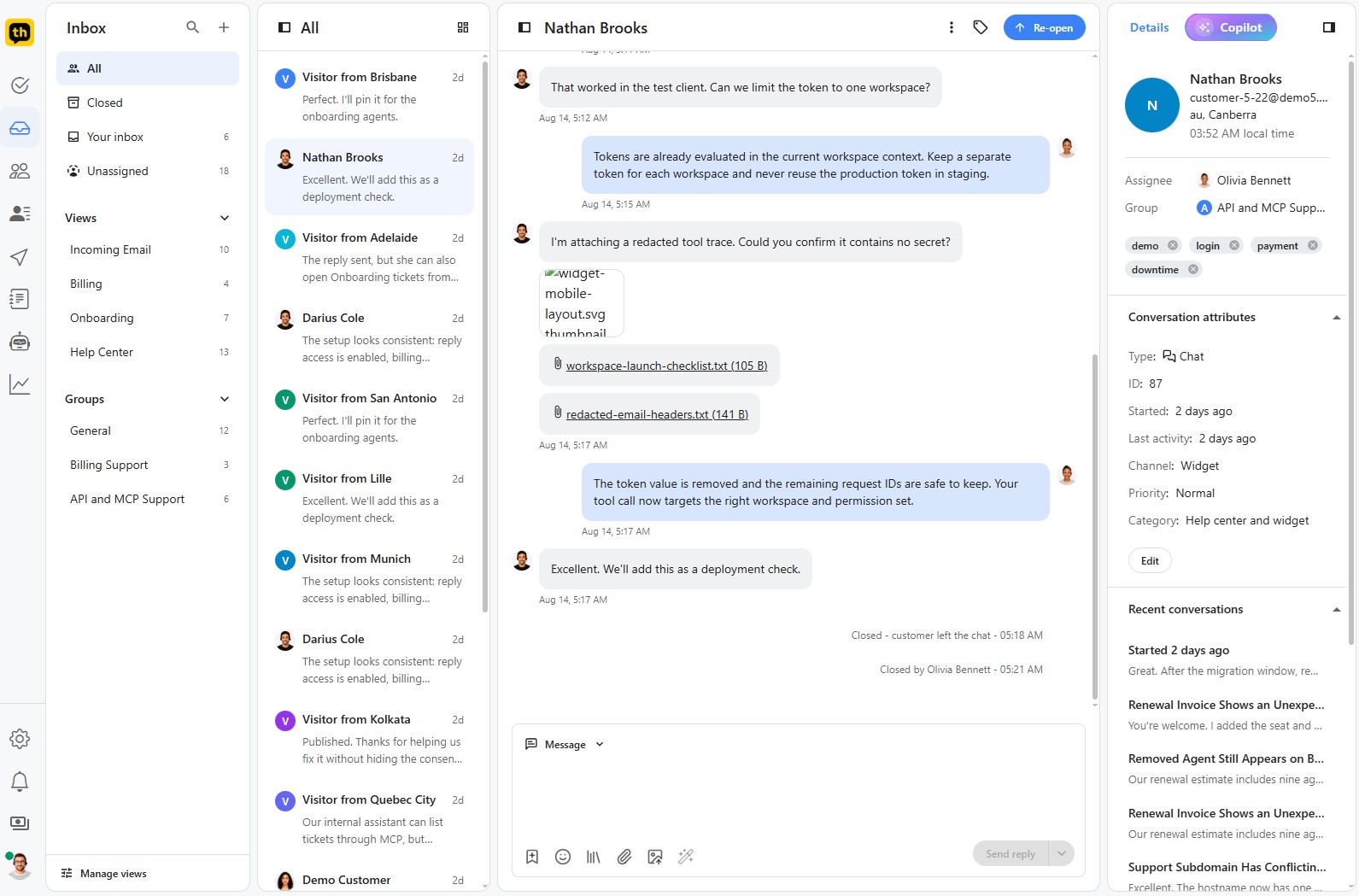
This layout uses bubbles or distinct blocks for each message, creating a visual separation between entries from the customer and your support agents.
Choose this view if: You prefer a modern, conversational aesthetic and enjoy the free-flowing feel of a chat application.
The List View: A Classic, Structured Layout
The List View organizes the conversation in a more traditional, linear format. Each message is presented as a uniform entry, similar to how you might see threads organized in a classic email client.
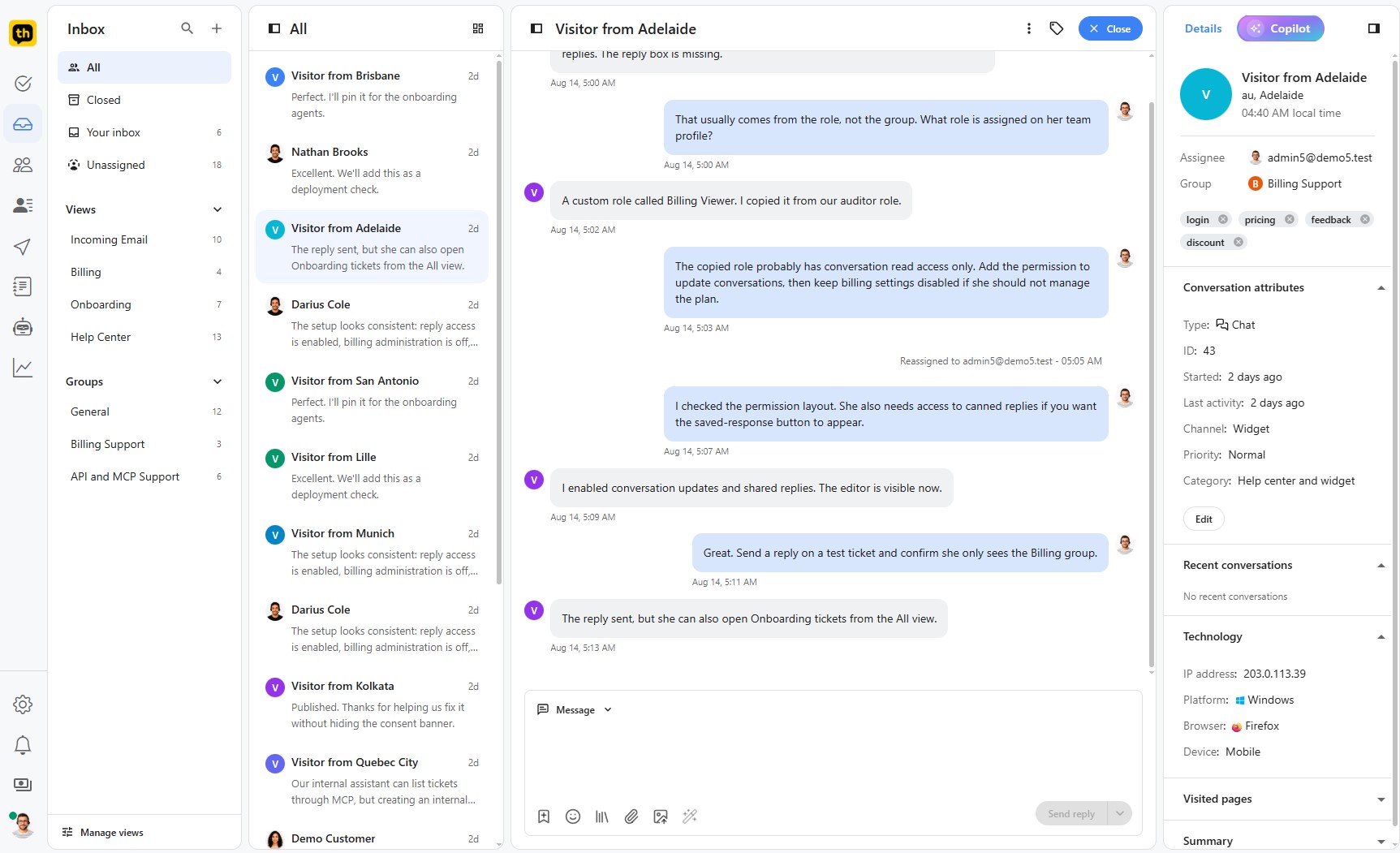
This layout provides a clean, structured, and uniform look, which some users find easier to scan and read through.
Choose this view if: You prefer a more structured, email-style presentation and appreciate a compact and orderly display of information.
The Choice is Yours
The most important thing to know is that there is no functional difference between the two views. You can perform all the same actions, see all the same information, and access all attachments regardless of which layout you choose.
Best Practices
Name views, statuses, attributes, and saved replies in plain language your whole team understands.
Avoid creating too many overlapping filters; fewer, sharper workflows are easier to maintain.
Audit old conversations and stale views on a regular schedule.